The Privacy Imperative: Escaping the Cloud Subscription Trap
Relying exclusively on proprietary cloud AI APIs introduces severe trade-offs: continuous monthly subscriptions, corporate data surveillance, strict content filtering, and sudden API deprecations.
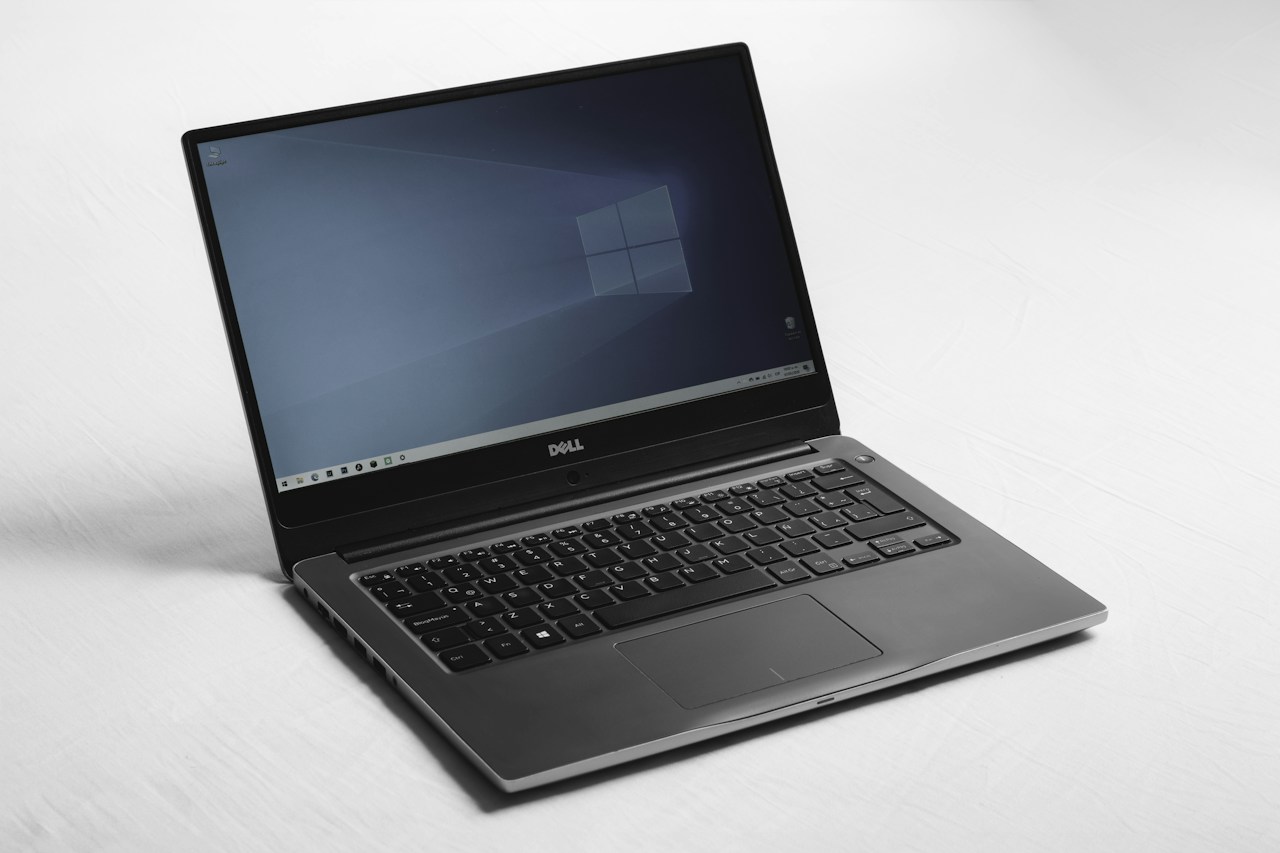
The open-weights AI revolution, spearheaded by DeepSeek R1 and Meta Llama 4, has leveled the playing field. Today, software engineers, lawyers, and healthcare professionals can run state-of-the-art reasoning models completely offline on everyday consumer laptops, guaranteeing that confidential source code, legal briefs, and personal health data never leak to external cloud servers.
Mixture-of-Experts (MoE): Efficiency Through Specialization
How can a 671-billion parameter model like DeepSeek run on consumer hardware? The secret lies in Mixture-of-Experts (MoE) neural architecture.
Rather than activating all 671 billion weights for every generated word, the router network selectively engages only the top two specialized expert networks—activating roughly 37 billion parameters per token. This slashes memory bandwidth requirements by over 85%, allowing high-parameter reasoning models to generate text at over 35 tokens per second on Apple Silicon Macs and modern Nvidia RTX laptops.
Quantization Magic: 4-Bit GGUF & EXL2 Compression
Standard AI model weights are trained in 16-bit floating-point (FP16) precision, requiring over 140GB of VRAM for a 70-billion parameter model.
Through advanced post-training quantization methods like GGUF (k-quants) and EXL2, neural weights are compressed down to 4-bit representations. Perplexity and benchmark evaluations demonstrate that 4-bit quantization reduces memory footprint by 75% while retaining over 99.2% of uncompressed reasoning performance.
1-Command Setup: Ollama & Native Integrations
Setting up local AI used to require complex CUDA driver installations and manual Python dependencies. Tools like Ollama have reduced setup to a single terminal command: `ollama run deepseek-r1:14b`
Within seconds, the model is downloaded and operational. Ollama exposes a local HTTP server mirroring the OpenAI API specification at `http://localhost:11434/v1`, allowing instant integration with VS Code extensions (Continue, Cline), Obsidian note-taking, and Raycast desktop hotkeys.
Editorial Verdict: The Democratization of Frontier Intelligence
The proprietary moats of Big Tech AI labs are evaporating. Running your own private, unconstrained, local intelligence stack is the ultimate upgrade in digital self-sovereignty.
| ⚡ Technical Specifications & Hardware Matrix | |
|---|---|
| Supported Models | DeepSeek R1, Meta Llama 4, Mistral Large, Qwen 2.5 |
| Quantization Formats | 4-Bit GGUF (k-quants), EXL2, AWQ, FP8 |
| RAM Requirements | 16GB (8B-14B models) / 32GB-64GB (32B-70B models) |
| Hardware Acceleration | Apple Metal (UMA), Nvidia CUDA, AMD ROCm |
| Execution Velocity | 35 - 55 Tokens Per Second on Apple M-Series / RTX 4080 |
| API Compatibility | Native OpenAI /v1/chat/completions endpoint |
| Data Privacy | 100% Offline / Zero Cloud Telemetry / Air-Gap Compatible |